 Perch v1.5.0
Perch v1.5.0
Perch v1.5.0
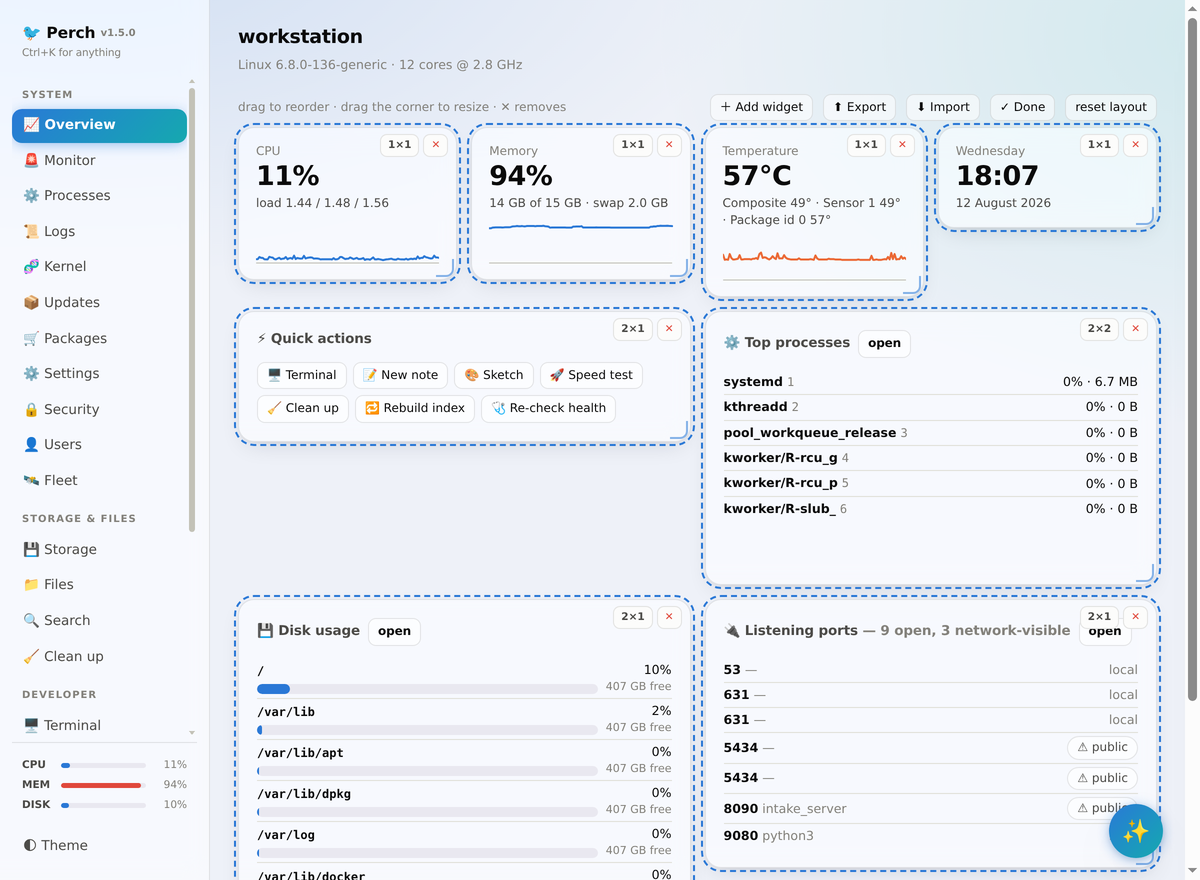
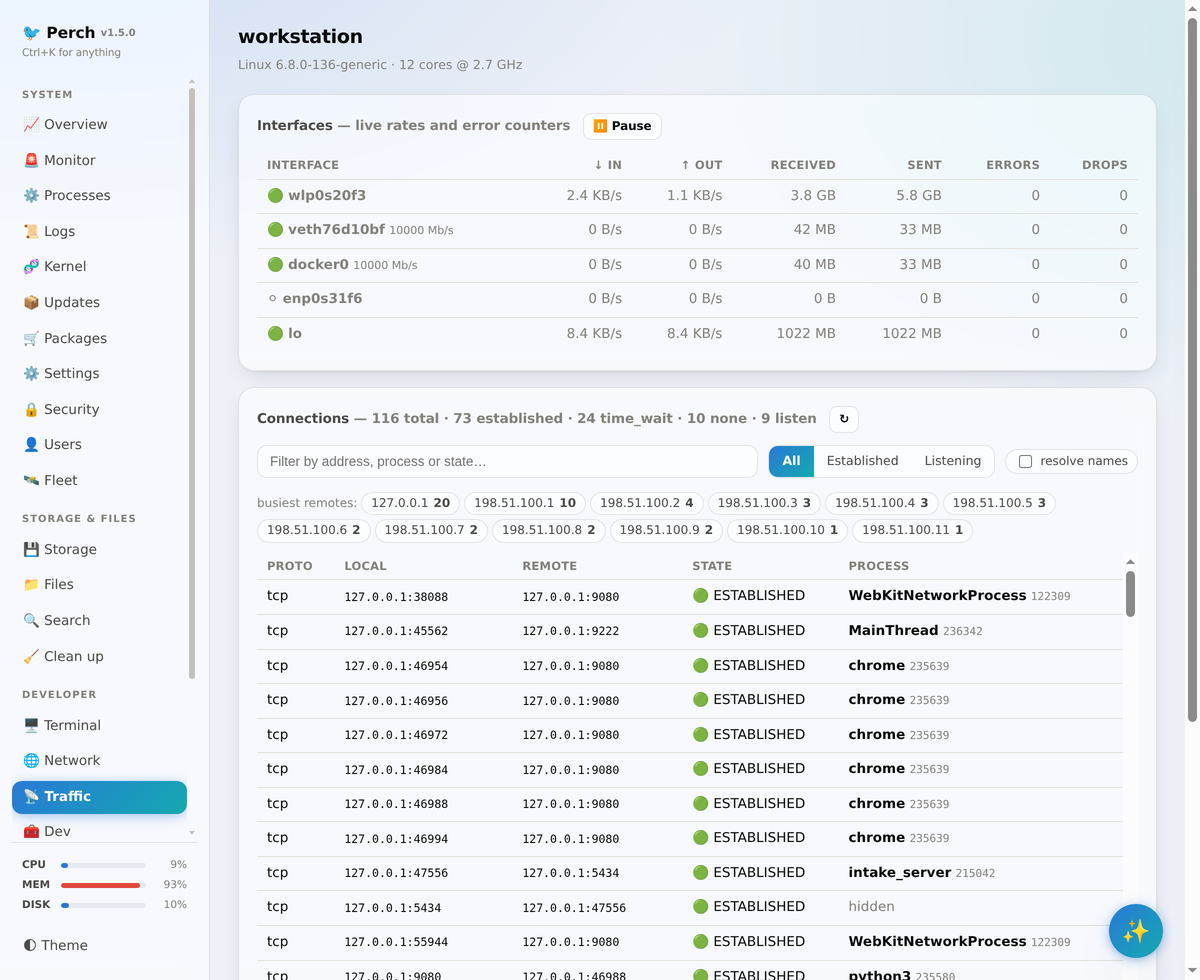
A self-hosted system and developer dashboard for Linux. Live monitoring and alerts, a security overview, storage and file tools, Docker, systemd, git, an API client, a real terminal, package management, GNOME settings and an AI assistant, in one token-protected web app on 127.0.0.1.
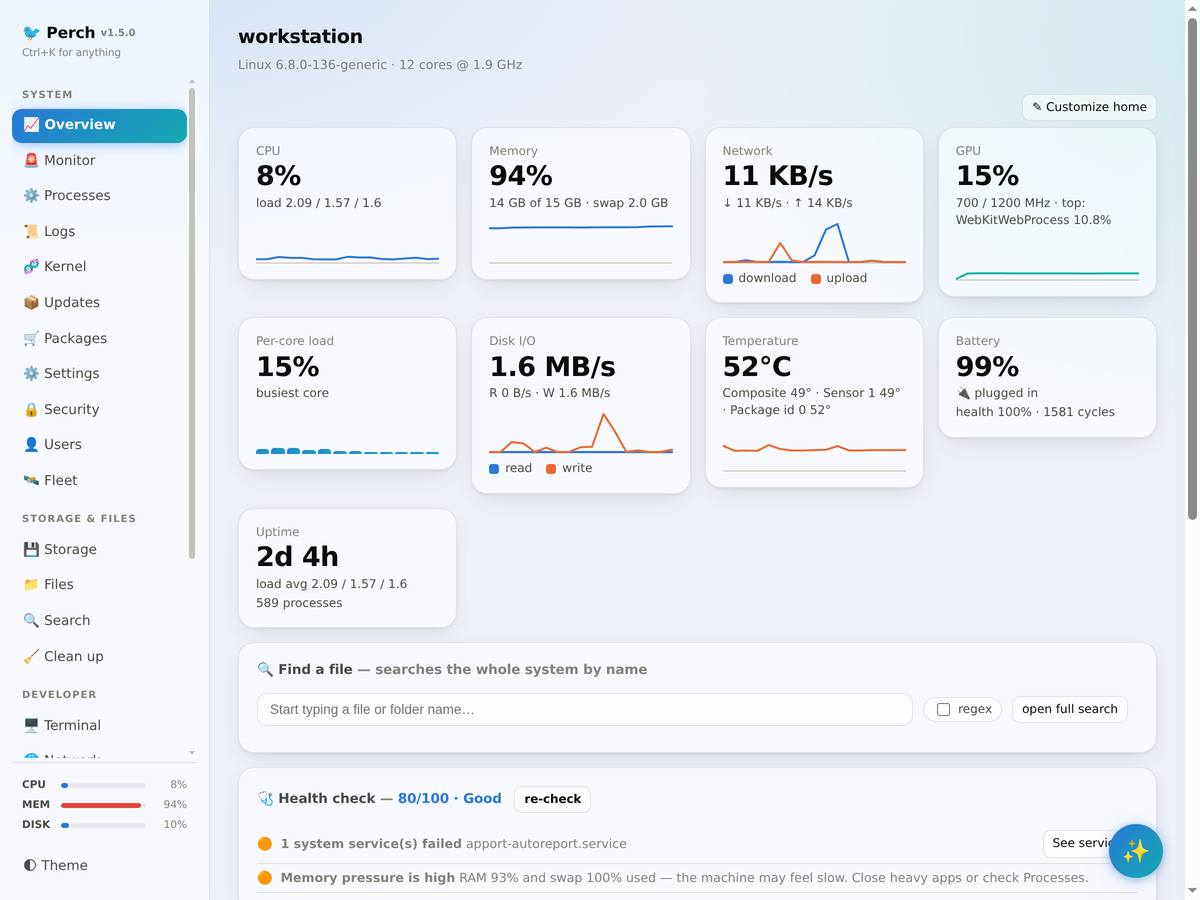
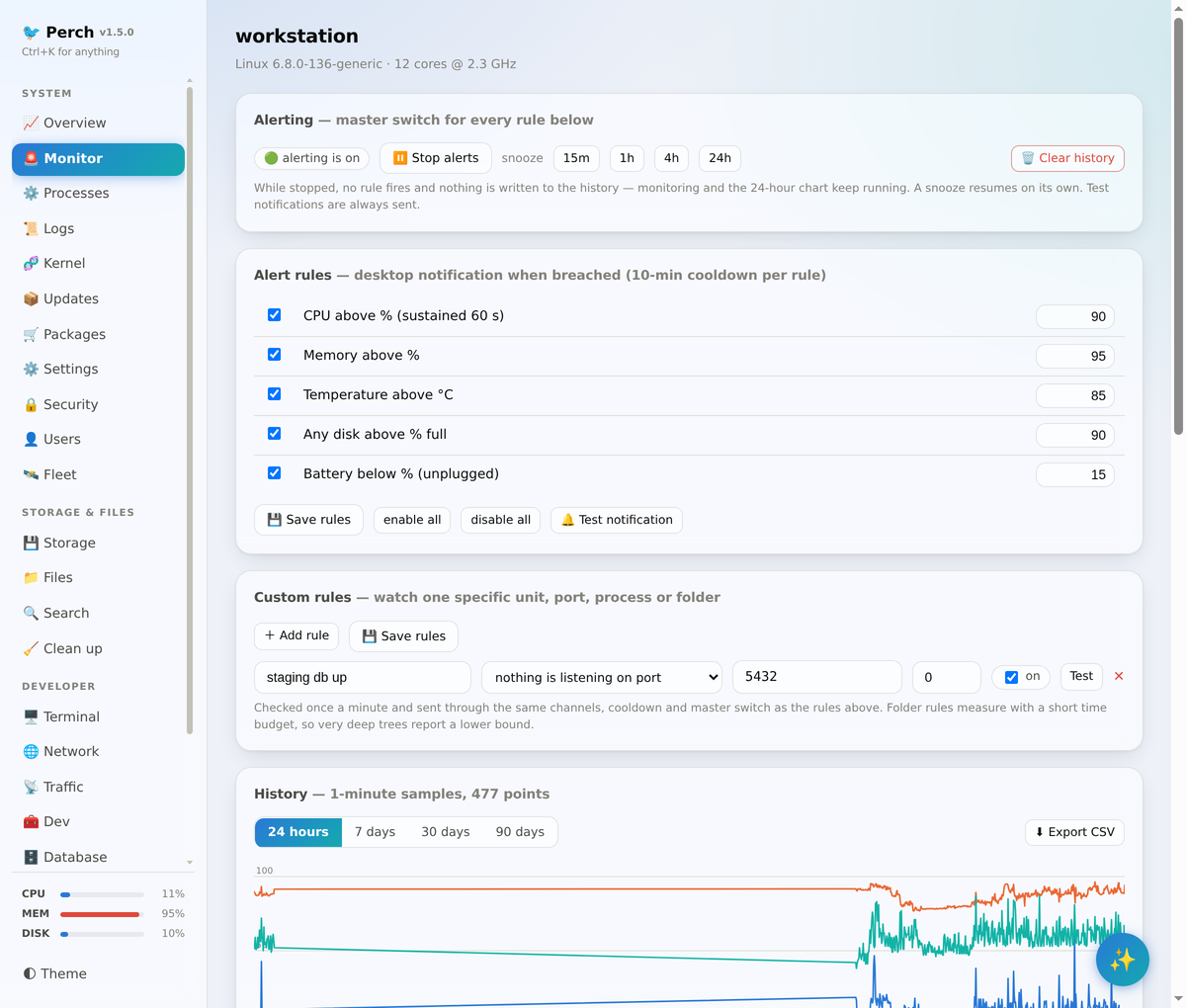
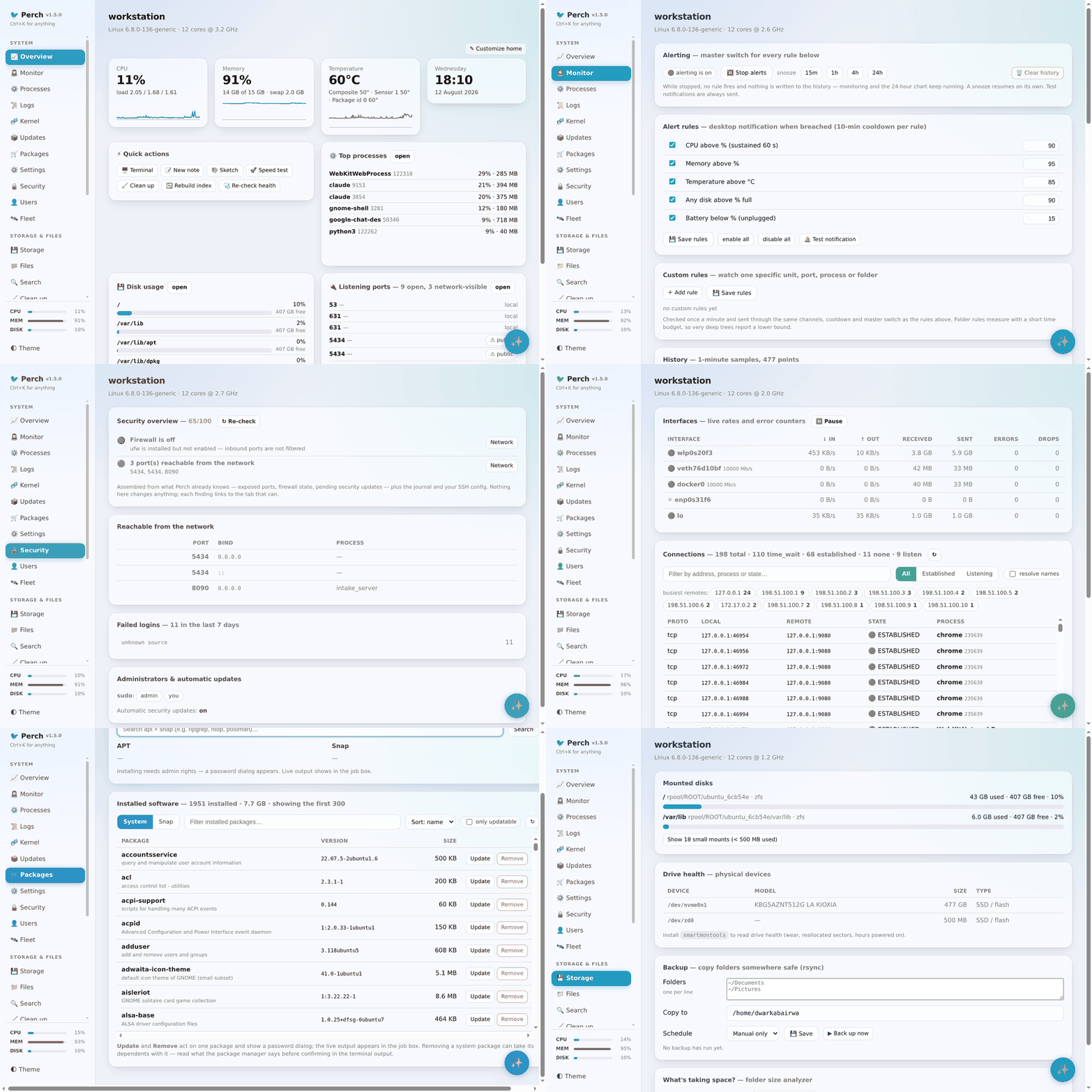
Live CPU, memory, GPU, disk, temperature and network. Threshold and custom rules, snooze, 90 days of history, digests to ntfy, Slack, Discord or webhooks.
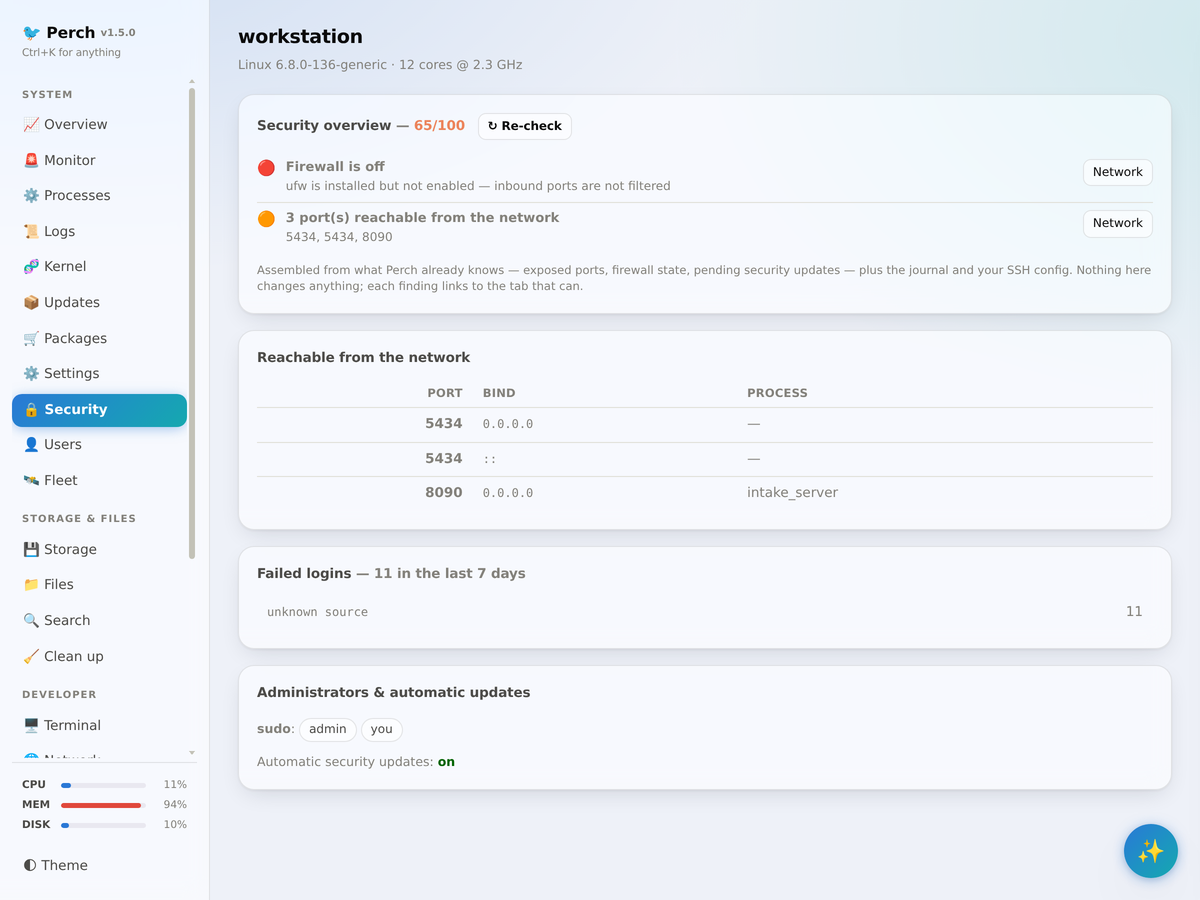
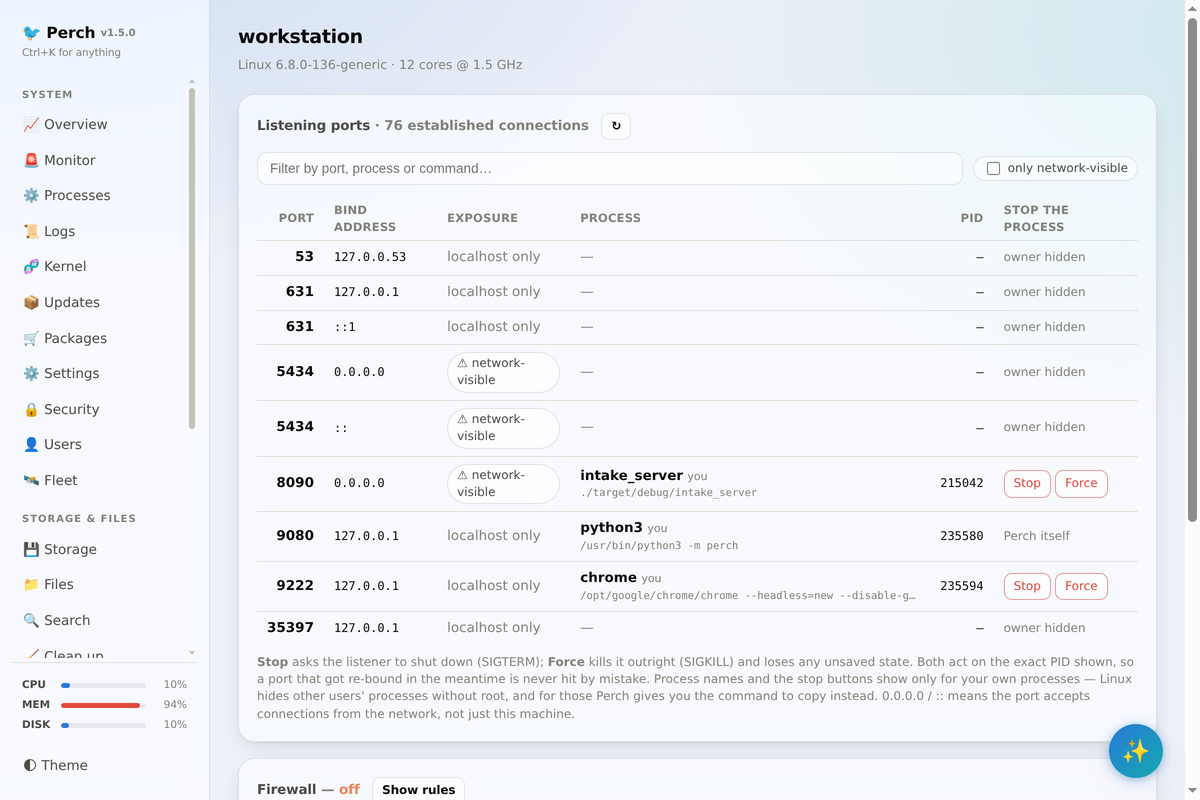
Ports reachable from the network, firewall state, pending security updates, failed logins, sshd red flags and admin accounts. Scored, worst first, read-only.
Folder-size analyzer, SMART drive health, rsync backups, duplicate and stale-file finders, a file browser with previews, and whole-system search.
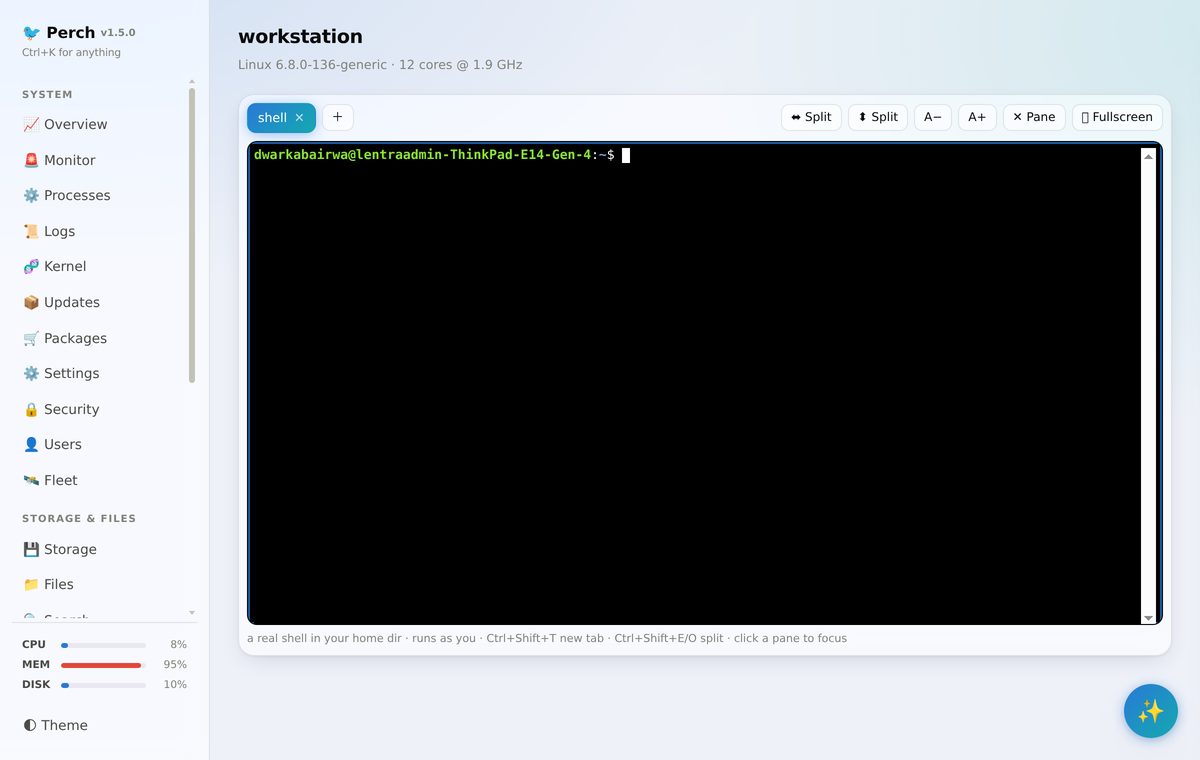
A real terminal multiplexer, Docker and Kubernetes, systemd, git dashboard, database browser, a mini-Postman with flows, and twenty everyday converters.
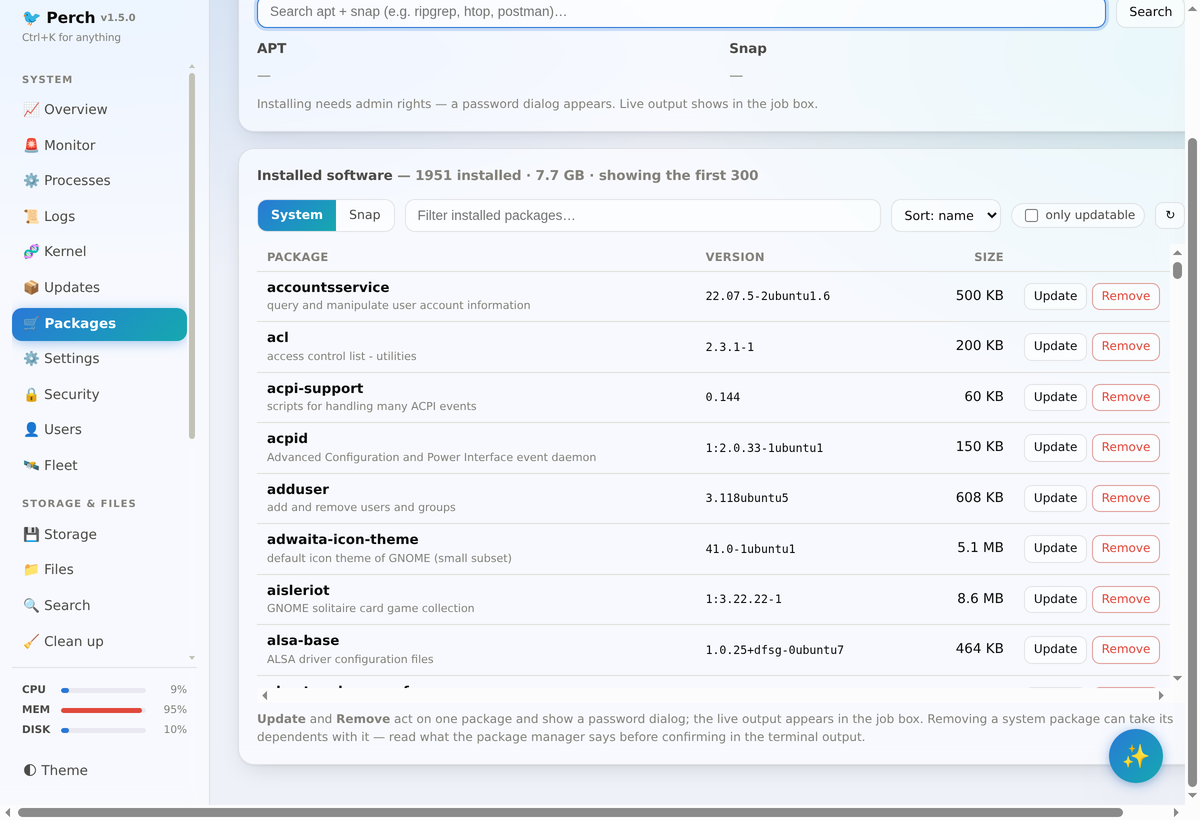
Brightness, power, night light, themes and tweaks for GNOME. Search, install and update across apt, dnf, pacman, zypper, snap and flatpak through pkexec.
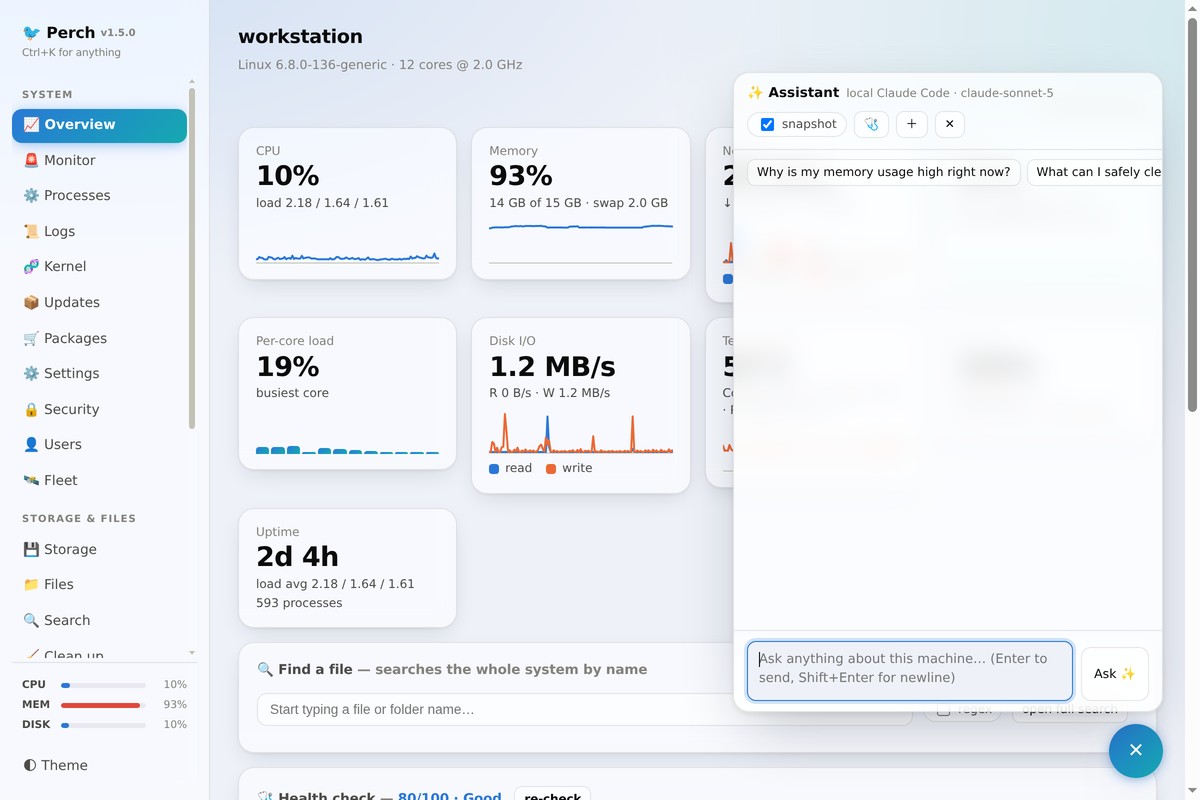
Ask about the tab you are on with a live system snapshot. Local Claude CLI by default, or Anthropic, OpenAI-compatible and Ollama providers. One-click health report.
Debian package, per-user from source, or Docker for headless hosts.
git clone https://github.com/dwarka-prasad/perch && cd perch
make deb
sudo apt install ./dist/perch_1.5.0_all.deb
perch-desktop        # native window, or `perch` for the browser URL
git clone https://github.com/dwarka-prasad/perch && cd perch
make install-user # systemd user service + app-menu launcher
systemctl --user status perchgit clone https://github.com/dwarka-prasad/perch && cd perch
docker compose -f docker/compose.yaml up -d --build
docker compose -f docker/compose.yaml logs # copy the token URLgit clone https://github.com/dwarka-prasad/perch && cd perch
make run # http://127.0.0.1:9080 with the token printedClick any screenshot to enlarge.
Runs as you, never phones home. Help shape what comes next.